◆ Digital business card

One tap.
Every side of you.

Work, Social, Personal: three cards in one, behind a single QR that never changes. You choose which side they see. It saves straight to their phone and Apple Wallet.

No app for them to download. Works on any phone.
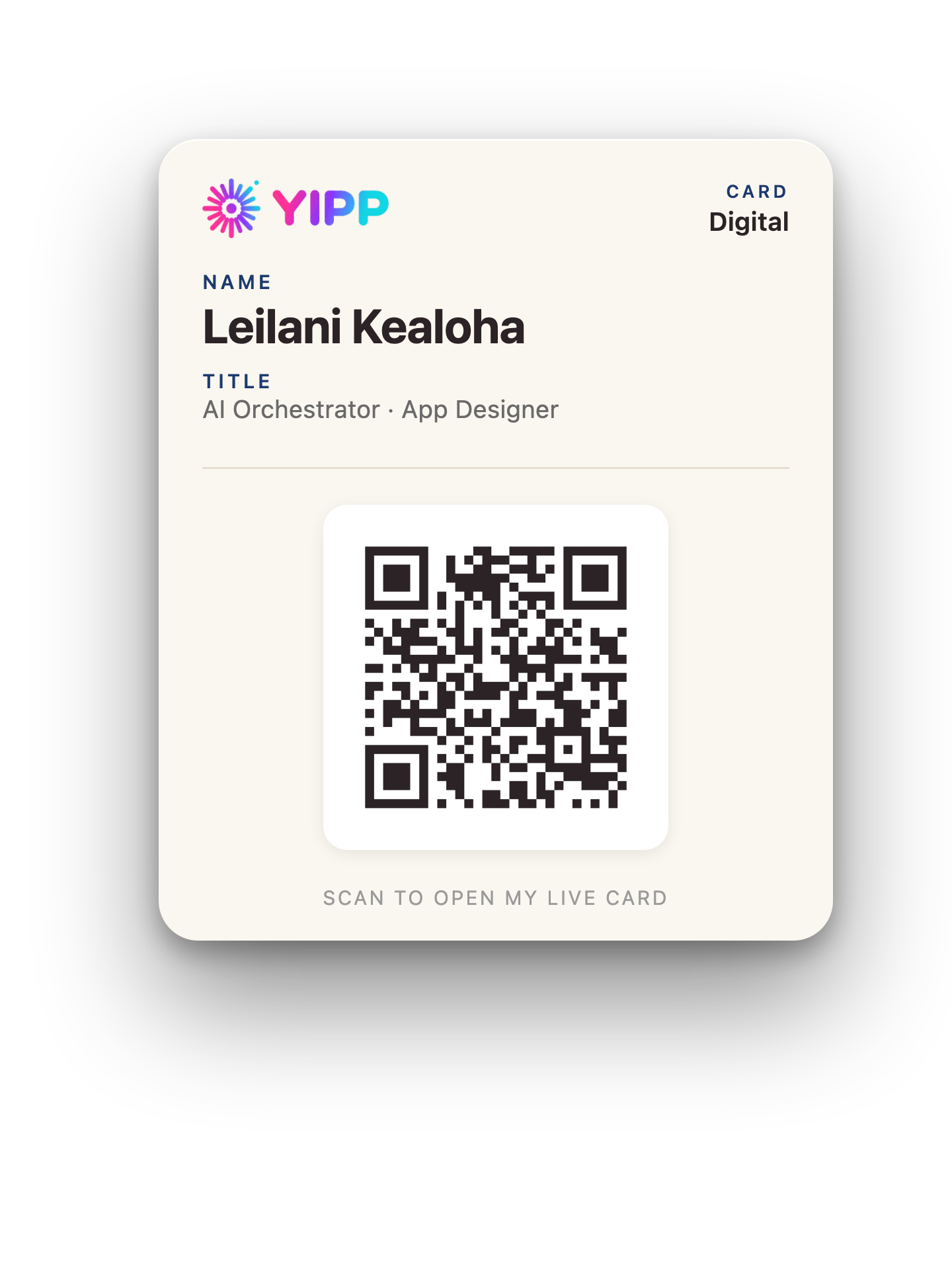
The Yipp card in Apple Wallet, carrying your QR code
It lands in Apple WalletScan the card to open the live demo, slide the sides, and save it.Changed information will not persist through the QR without an account.
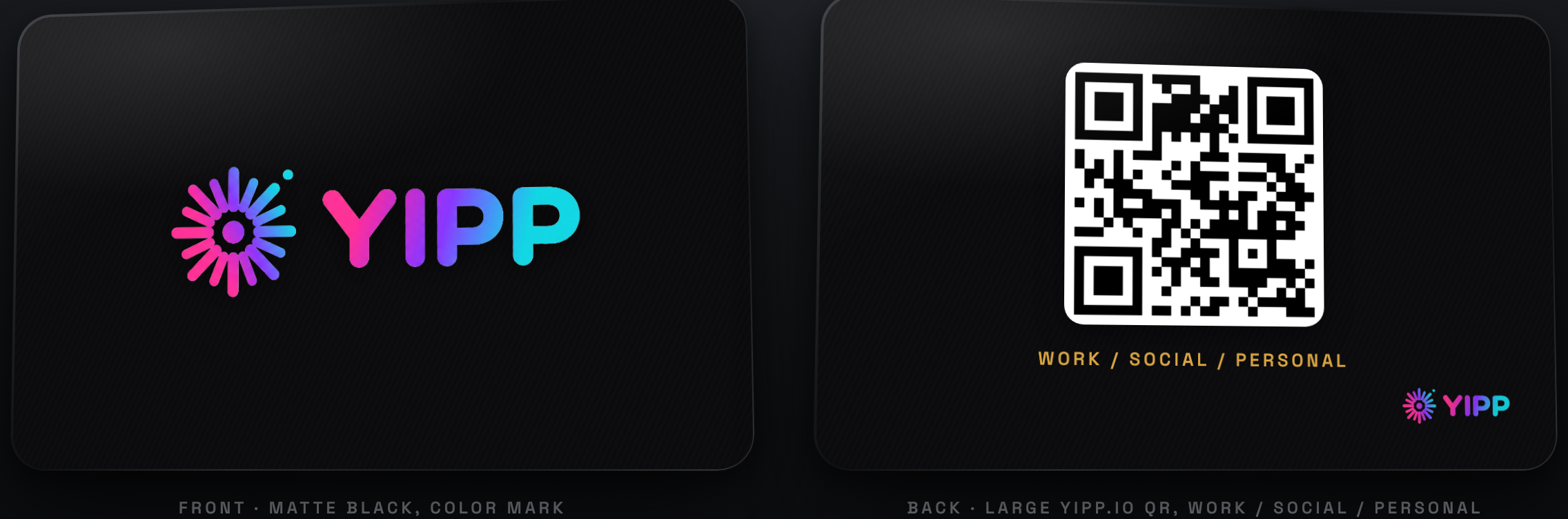
The metal card

And one they can actually hold

A sharp matte-black metal card with your color mark on the front and your details on the back. Tap it to any phone over NFC and it shares the exact side you chose, Work, Social, or Personal, the same as your QR and your Apple Wallet card.

◆ Tap to share
The matte-black Yipp metal NFC card, front and back, with a QR to yipp.io
How it works

Share your whole self in one motion

No fumbling for a paper card. No typing. Tap or scan, and they've got you.

Tap or scan

They tap your phone or scan your one QR code. Nothing to install on their end.

They see your side

Only the side you've chosen: Work, Social, or Personal. It locks to them, so it stays put.

It saves to their phone

One tap saves your contact, and your Wallet card lands in Apple Wallet, ready to reopen anytime.

Two professionals sharing a Yipp card with one tap of a phone in a modern office ◆ One tap, done
In the moment

From hello to saved, before the handshake ends

No paper to dig for, nothing to type. They tap your phone or scan your QR, get the side you're sharing, and you're already in their contacts and their Apple Wallet. The introduction stays. The fumbling goes.

Try a live card →
Three sides

You're not just one thing

Flip a single switch and the whole card becomes a different you. Same QR, different world.

Work

The professional

Title, company, email, phone, your featured app or portfolio. Everything a new contact needs to take you seriously.

Personal

The real you

For friends and family: your personal contact, a photo, a bio, the links that matter off the clock.

Why Yipp

Small card. Serious details.

One QR, forever

Your code never changes. Print it once, put it anywhere, and it always opens your latest card.

Straight to Apple Wallet

A real Wallet pass with your QR, one tap from their lock screen. No app required.

Make every side yours

Pick your own colors on Work, Social, and Personal: banner, background, header, text, and button colors, each independently. Or keep the clean white default.

Slide to choose the view

Right on the front of your card, slide between Work, Social, Personal, a combo, or all three. What you set is exactly what they see, locked to them per scan.

Per-link switches

Toggle any social link on or off. Hide what you don't want shared without deleting it.

Your photos, your way

Add and drag-position your profile photo, banner, and company logo, zoom them to sit just right, or use no image at all.

Pricing

Pay once. Carry it forever.

No subscriptions, no renewals, no features held hostage. Every side, every color, your own logo, your Apple Wallet card: all included, one time.

Yipp Digital

$36
One time · yours forever
  • Three sides: Work, Social, Personal
  • Five share modes on the front slider
  • Per-scan privacy lock
  • Your own QR, permanent
  • Apple Wallet card included
  • Every color, image, and logo: yours
Buy now →
Most popular

Yipp + Metal Card

$81
One time · card shipped to you
  • Everything in Yipp Digital
  • Matte-black metal NFC card
  • Color Yipp mark
  • Tap any phone to share your side
  • Works alongside your QR and Wallet
  • No subscription, ever
Buy now →

Extra Metal Card

$45
One time · same card, gifted
  • A second card for you, or a gift
  • Linked to any Yipp profile
  • Same matte-black metal build
  • Tap to share, like the original
Buy now →

Compare: a typical digital card subscription runs $72 to $120 every year, and a custom metal card elsewhere is $69 to $90 before the software. Yipp is one price, once.

Be first to carry Yipp

We're opening cards to a first group soon. Tell us where to send yours.